
Step 1
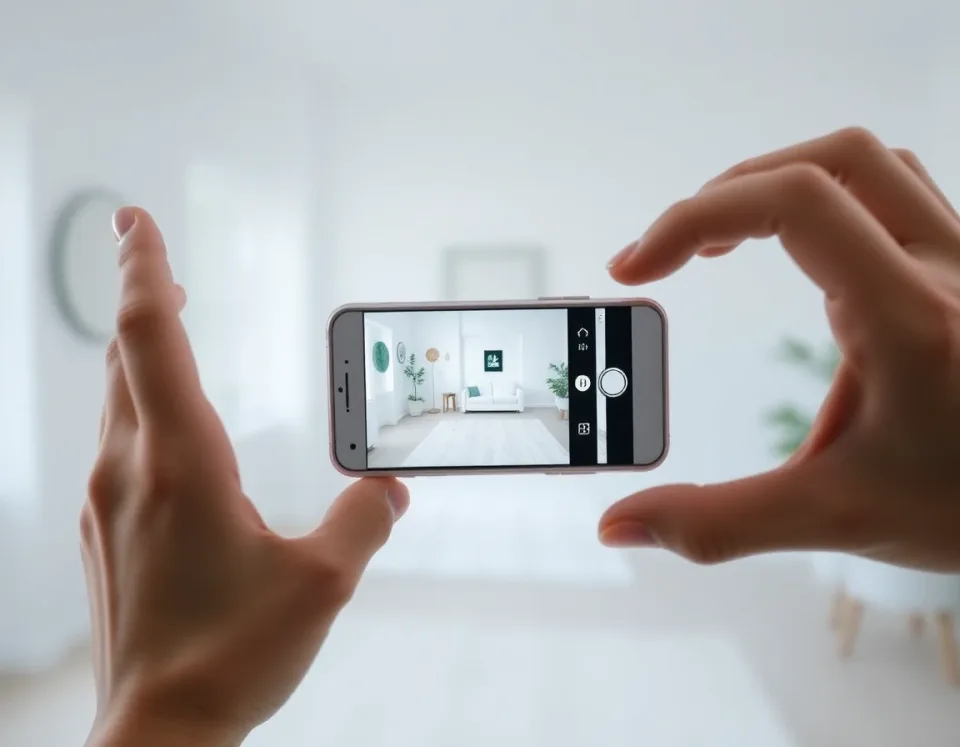
Upload a room photo
Take one clear picture of your space. You can use your living room, bedroom, kitchen, bathroom, or office.
DecorAI: AI Interior Design
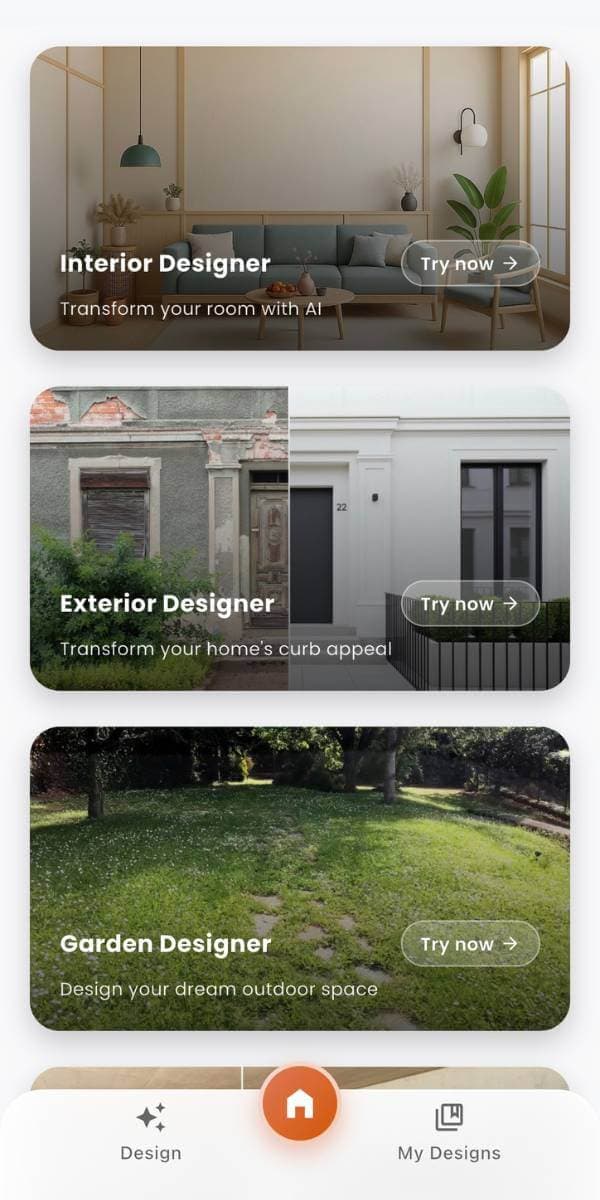
DecorAI is an AI interior design app that lets you upload a photo of your room and instantly generate realistic before & after designs.
This AI home design app is simple to use, even if you have never decorated a room before. Try styles, compare ideas, and plan smarter.
Made for homeowners and renters with no design experience.
Upload one room photo and pick your favorite style.
See realistic before & after room ideas in seconds.
Available on iPhone, Android, and web.
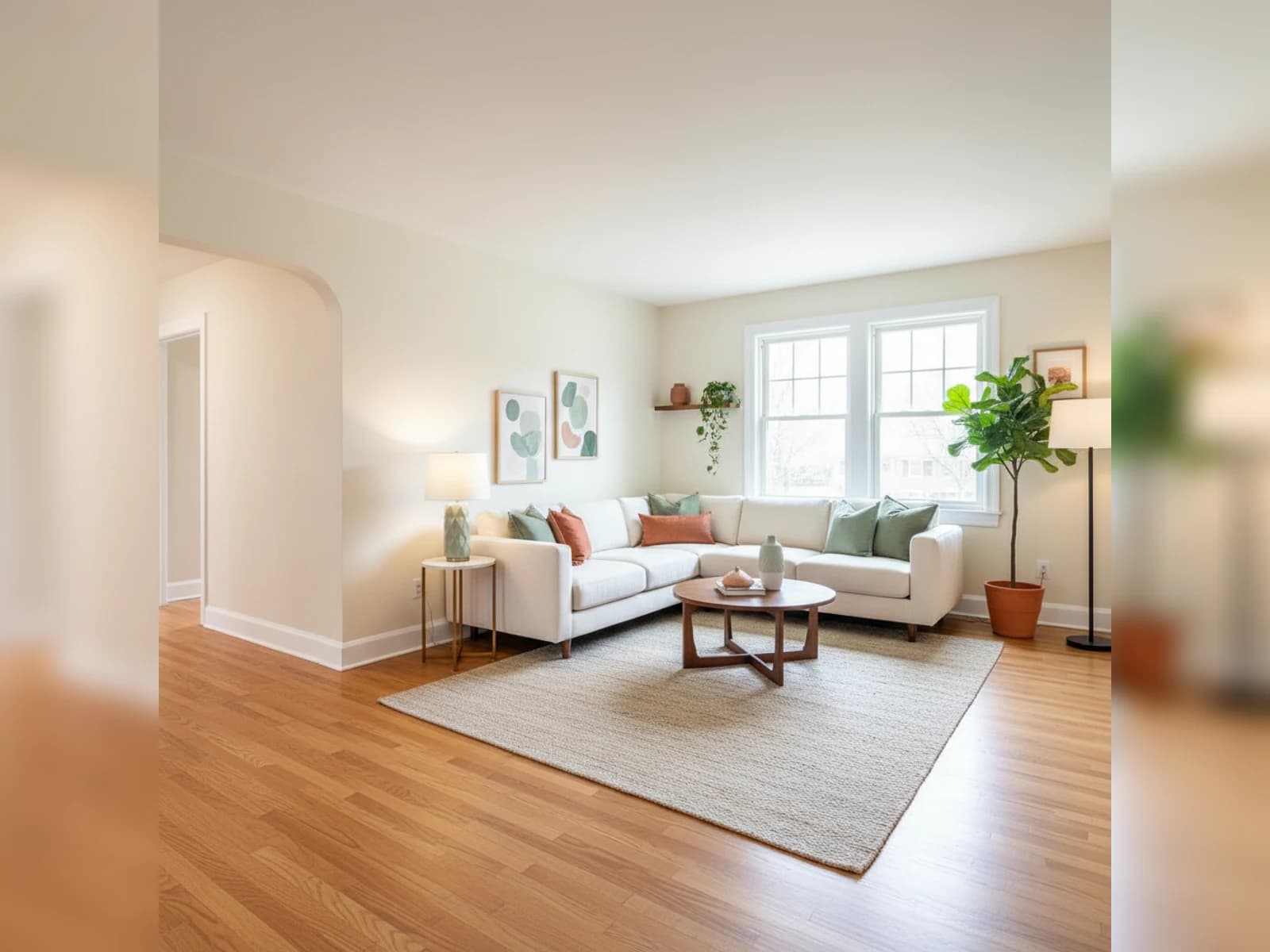
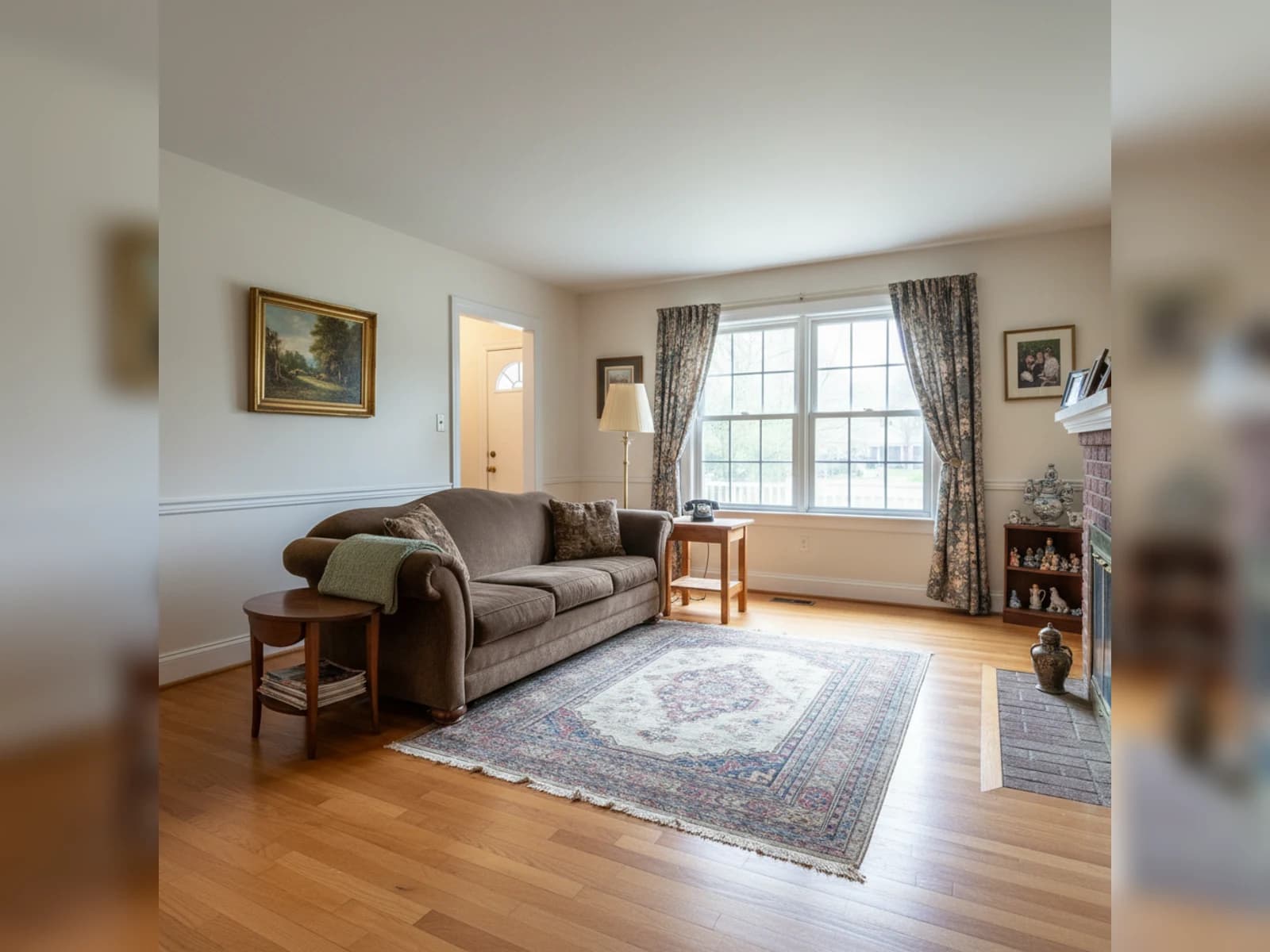
Slide to compare a real room before and after using DecorAI.
DecorAI keeps things simple. You do not need design experience. Just follow these three easy steps.
Step 1
Take one clear picture of your space. You can use your living room, bedroom, kitchen, bathroom, or office.
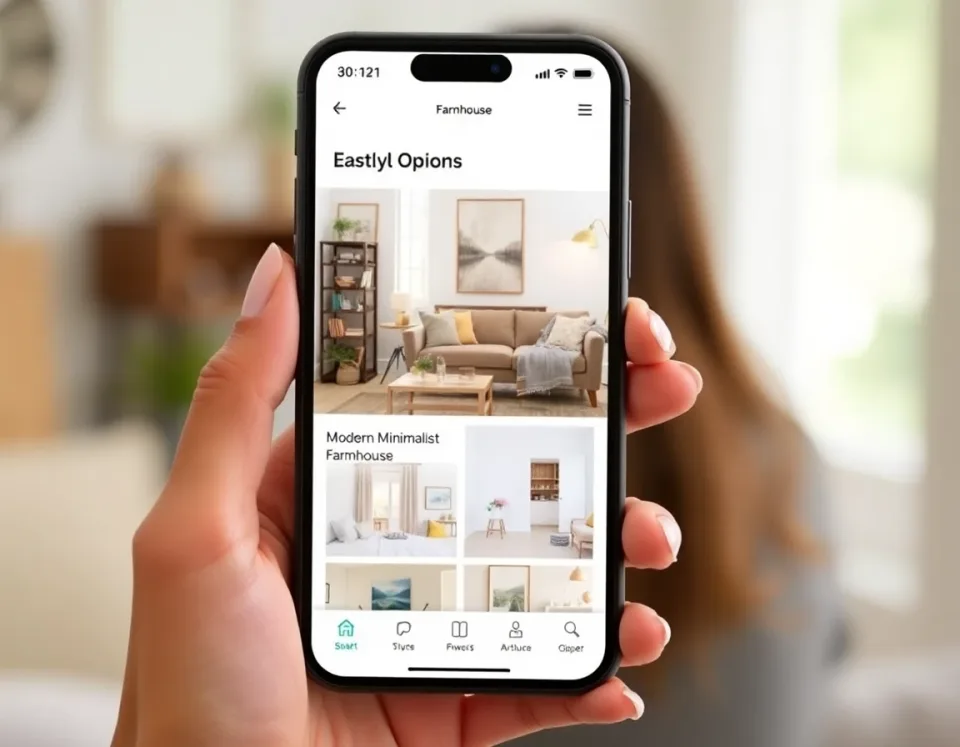
Step 2
Try modern, cozy, minimalist, farmhouse, and more. Find a look that matches your taste and your budget.

Step 3
Get realistic before and after ideas in seconds. Compare options and choose the design you love most.

Looking for an AI decoration app free to start with? DecorAI helps you test ideas quickly and clearly. You can see different styles before you spend money on furniture or paint.
This AI remodeling app is made for real homes and real people. It is perfect for busy women who want a beautiful home without stress.
Try modern, cozy, minimalist, farmhouse, and more.
Compare new looks side by side.
Plan your home updates with more confidence.
See how this AI interior decorator online free style preview helps you picture your home before you start decorating.
Before: plain room with old style.
After: fresh look with color and style.
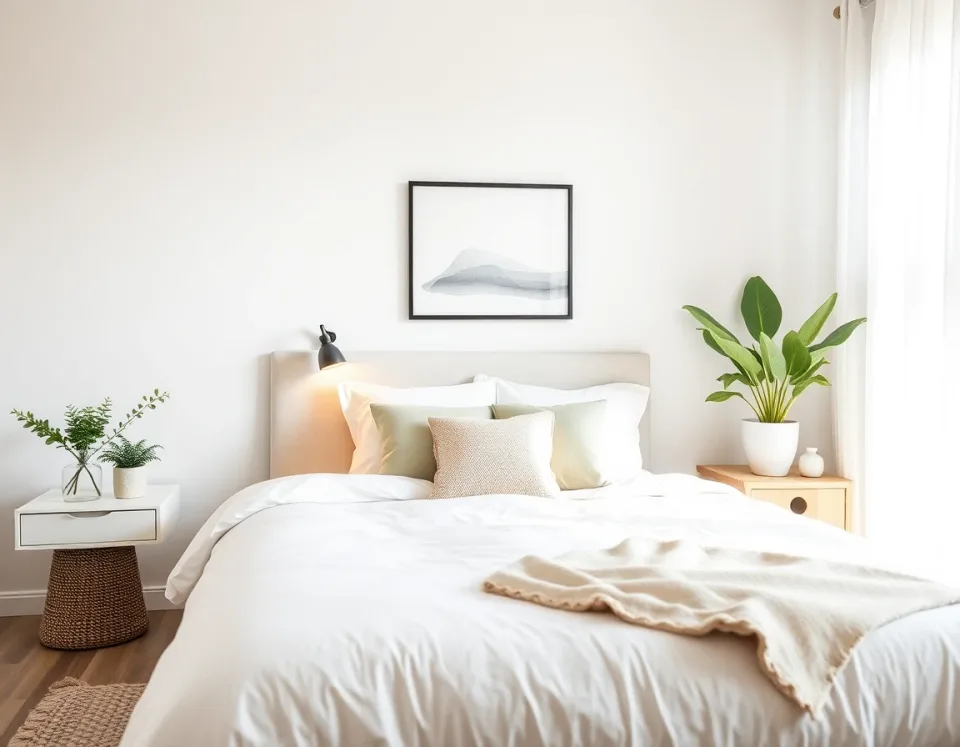
Test calm colors, soft textures, and layout ideas in minutes.
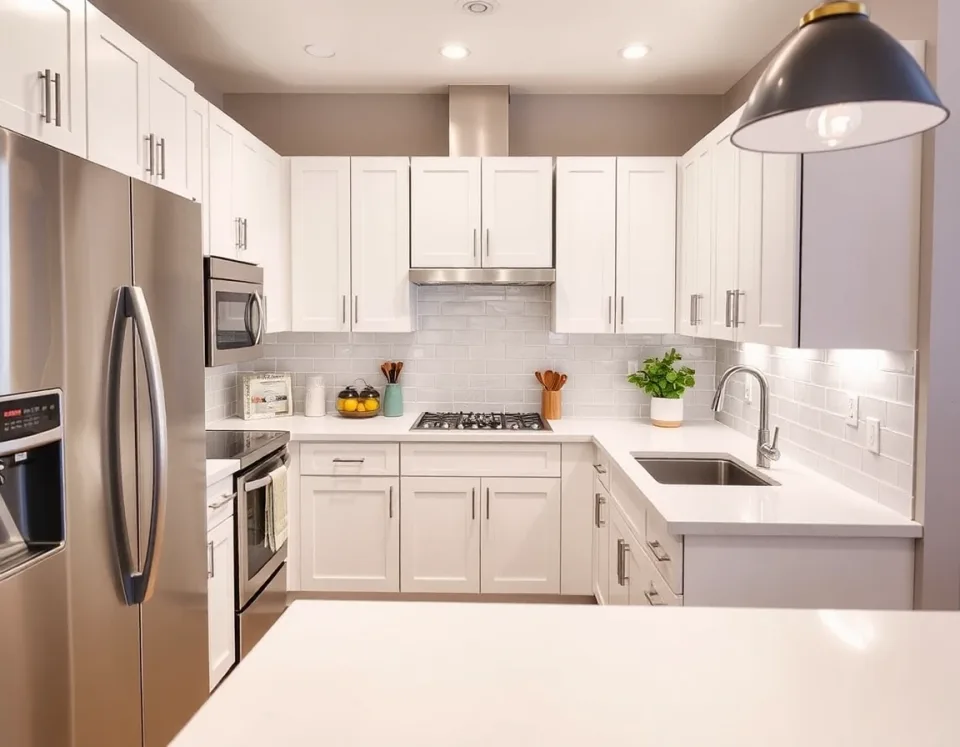
Compare cabinet and decor ideas before you commit.
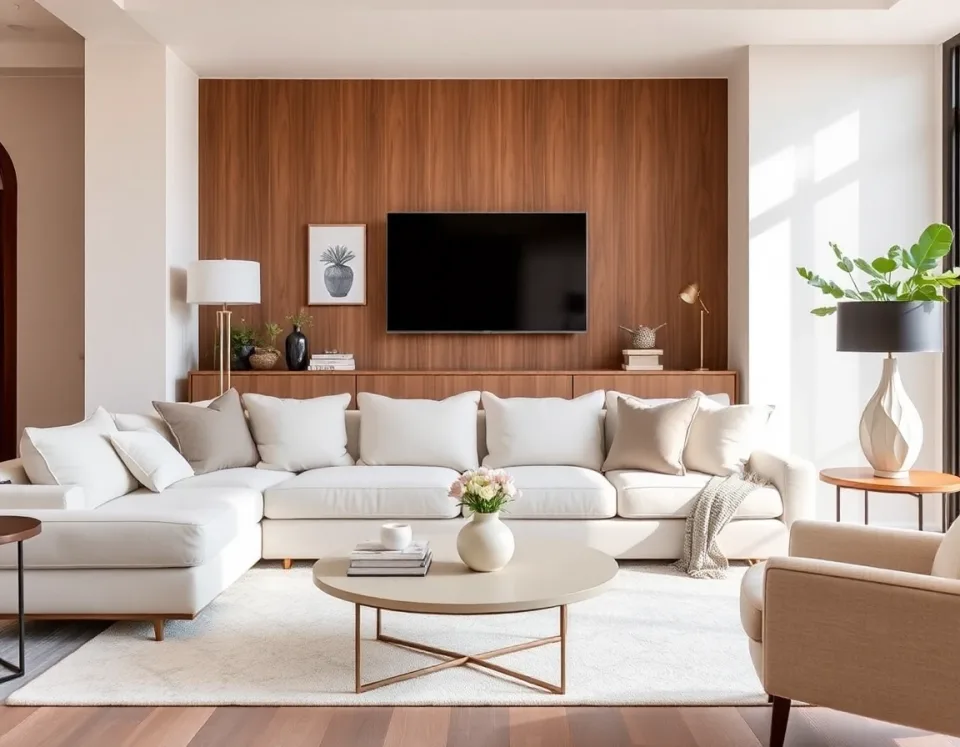
Find furniture and color combinations that feel right for your home.
Quick Comparison Tips
Keep your camera angle consistent, compare two options side by side, and choose one direction before you buy.
Use the same room photo for every style test
Save your top two options and compare them once more
Buy in steps: big items first, decor last
DecorAI works for everyday spaces in your home. Try one room or redesign every room.
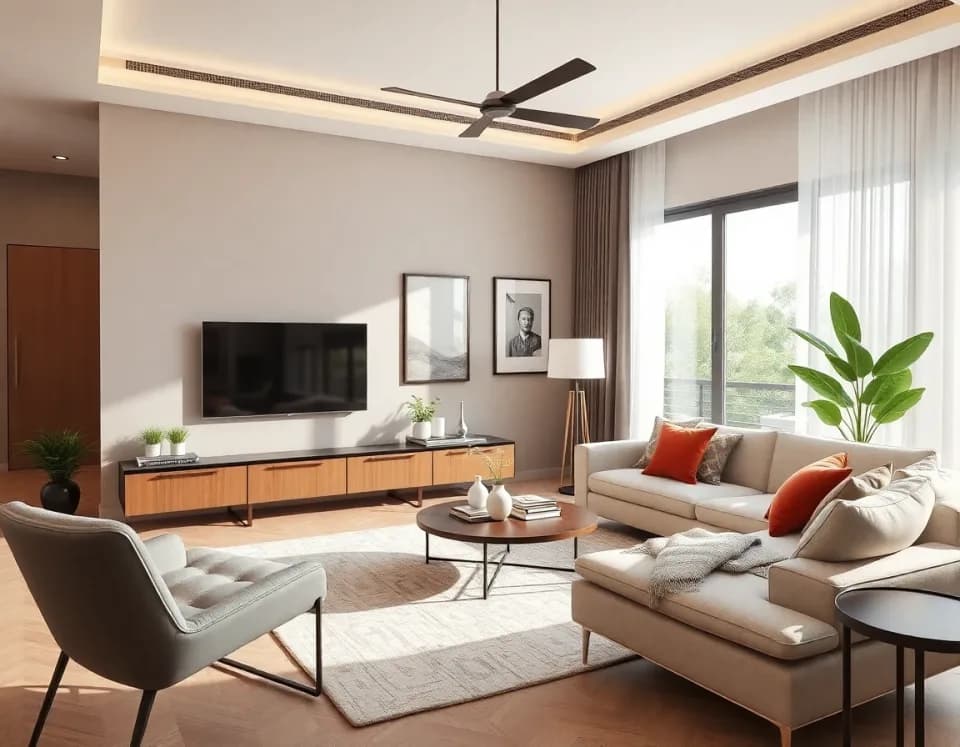
Plan a warm, welcoming space for your family and guests.
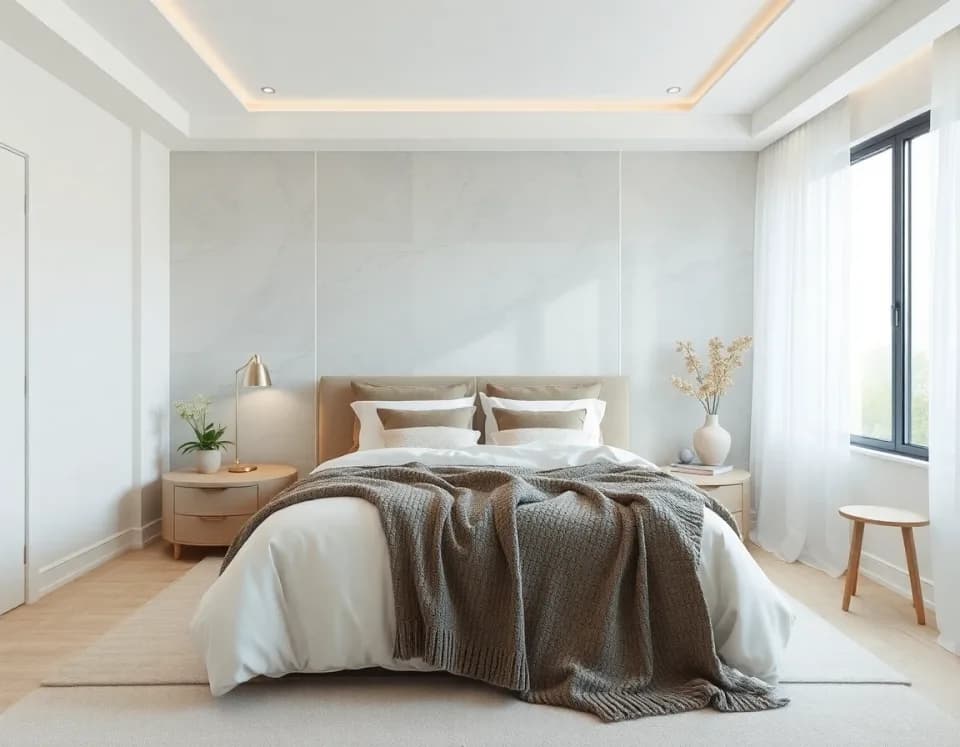
Create a calm, relaxing bedroom with colors and furniture that fit your style.
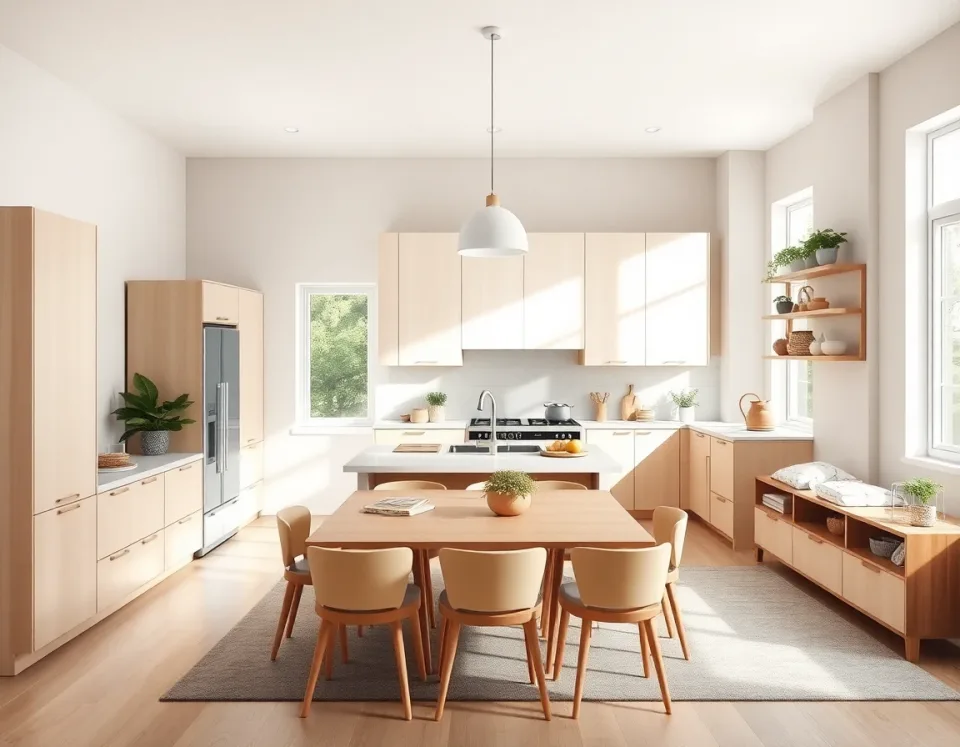
Test cabinet colors, island ideas, and layout options before you buy anything.
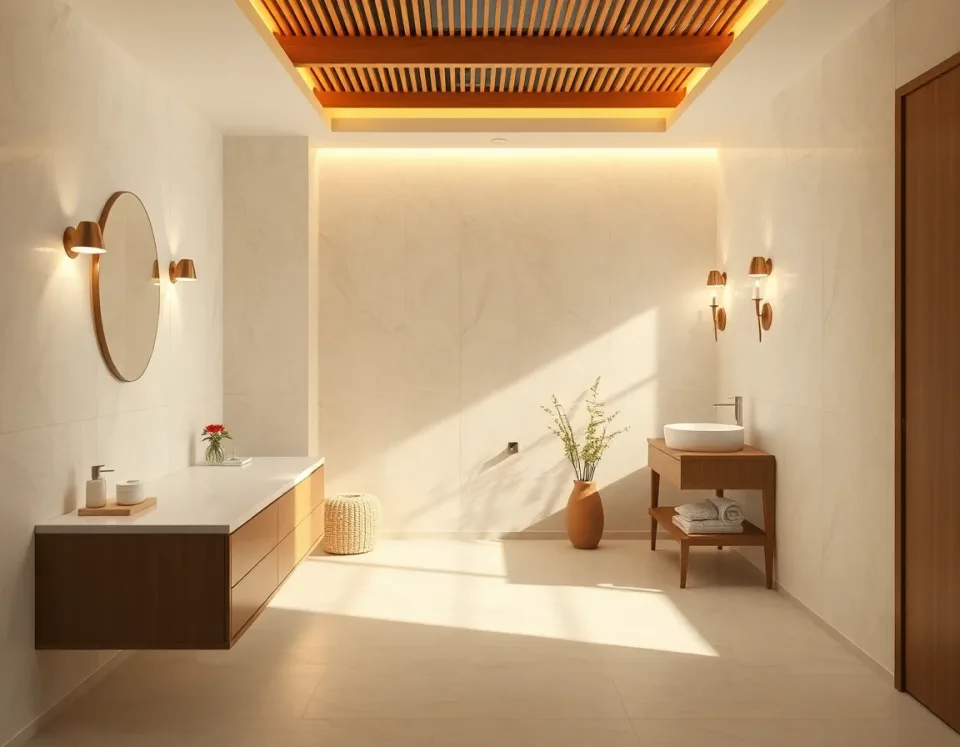
Try tile looks, vanity styles, and simple refresh ideas for your bathroom.
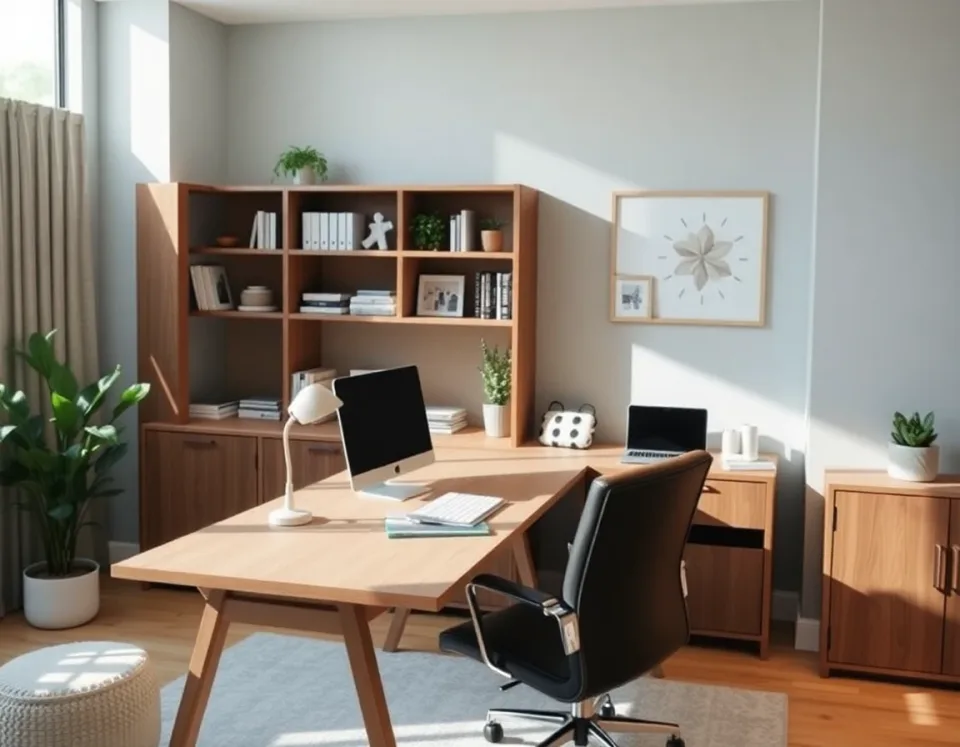
Design a clean and comfortable work area that helps you stay focused.
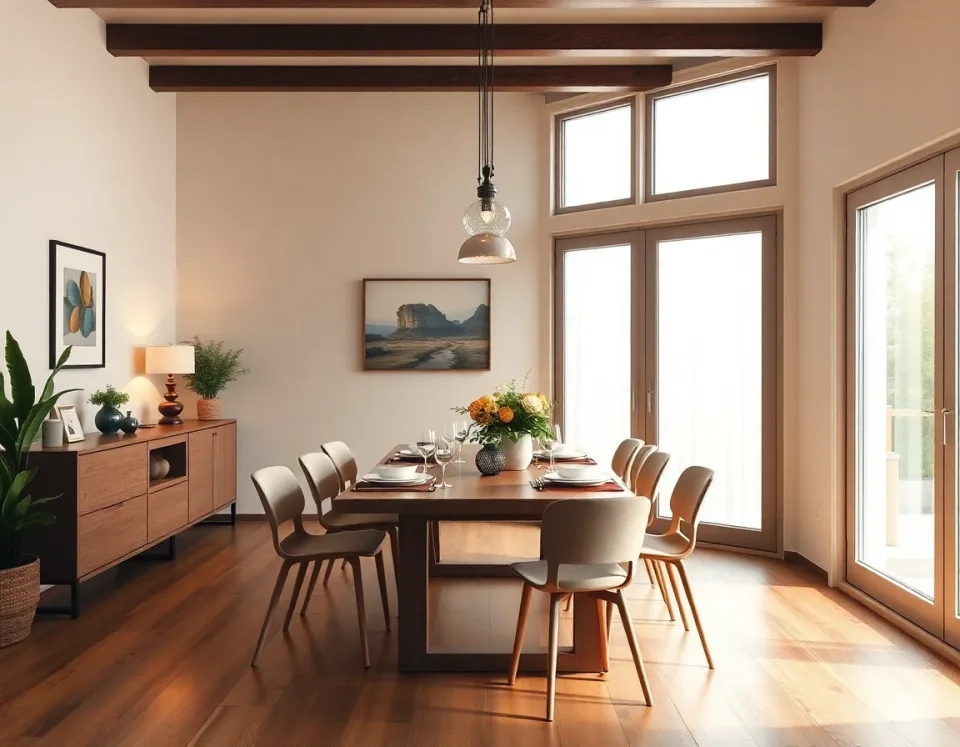
Try new table, lighting, and decor ideas for a beautiful dining setup.
DecorAI is built for people who want a beautiful home and easy decisions.
Busy women who want quick room ideas
Homeowners planning upgrades
Renters who want fresh style options
Anyone who wants help choosing decor
Upload a room photo, pick a style, and see a fresh look in seconds.
DecorAI is an AI Room Makeover App that helps you redesign your living room, bedroom, kitchen, bathroom, or home office from a single photo.
Use iPhone, Android, or web — choose what feels easiest for you.
Clear answers to common questions about our AI interior design app.
Yes. DecorAI is an AI interior design app that lets you upload a photo of your room and instantly generate realistic before & after designs. It is made for everyday homeowners and renters, even if you have no design experience.
Yes. DecorAI is built for photo-based room redesign. One room photo is enough to see fresh design ideas and realistic before and after inspiration.
It is simple. Upload one room photo, choose your style, and get a redesigned result in seconds. You can test multiple styles on the same room.
You can design living rooms, bedrooms, kitchens, bathrooms, home offices, and dining spaces. You can also try different looks for the same room.
Yes. DecorAI helps you compare before and after looks, so you can choose the style you like before spending money.
You can try modern, cozy, minimalist, farmhouse, Scandinavian, and more. DecorAI lets you quickly test different home decor directions.
Yes. DecorAI is free to download on iPhone and Android. You can also open the web app in your browser and start right away.
No. Most users compare ideas first, then shop with more confidence and fewer mistakes.
Yes. DecorAI is great for renters because you can test room ideas first and pick changes that fit your space and budget.
Yes. DecorAI works on iOS, Android, and web. You can pick the platform you prefer and start your room makeover in minutes.
Most results are ready in seconds. You can quickly try more than one style and compare options.
We keep DecorAI friendly and easy to use, while helping you make better home design choices.
Your uploaded photos are processed to generate your designs. We focus on safe handling and clear privacy policies.
DecorAI gives direct visual ideas you can use right away, whether you are planning a full remodel or a small refresh.
See options first, then choose what to buy with more confidence. This helps reduce stress, waste, and guesswork.
If you want a home that feels calmer, prettier, and more “you”, an AI Room Makeover can help you see the best option before you buy anything.
DecorAI is an AI Room Design app that lets you upload a photo of your room and instantly generate realistic before & after designs.
It is made for homeowners and renters who want clear room ideas without feeling overwhelmed by choices.
You can compare styles side by side and pick the look you love, instead of guessing from a paint swatch or a Pinterest board.
Decorating can feel hard because every decision is connected. If you change the sofa, you may also want to change the rug. If you change the wall color, your curtains may look different. An AI Home Design app makes it easier by showing a complete look in one picture, so you can see what works together.
This is helpful if you are short on time, if you do not have design experience, or if you simply want to feel more confident before you spend money.
You do not need a perfect photo. These small steps can help your results look more natural and more useful:
Use daylight if possible
Stand near a window or turn on a few lights so your room looks bright and clear.
Show the full wall and floor
Try to include the floor and the main wall so the app can understand the space better.
Step back and keep it steady
A steady photo makes it easier to compare before and after designs.
Tidy the main clutter
You do not need a deep clean. Just clear the biggest piles so the layout is easier to see.
One of the best parts of an AI Room Design app is that you can test ideas fast, even for rooms that usually feel tricky.
Try a cozy layout, lighter wall color, and a warmer rug. If you are unsure about your sofa color, test a few looks before you shop.
See calm color palettes, simple bedside styling, and better lighting ideas. Many people start here because the results feel instantly relaxing.
Compare cabinet colors, backsplash looks, and modern lighting ideas. This is great when you want a refresh without a full remodel.
Try tile vibes, vanity styles, and clean spa-like ideas. Even small changes can make the room feel brighter and fresher.
If you rent, you may not want to paint or do permanent changes. An AI Room Makeover is still useful because you can focus on renter-friendly updates like rugs, curtains, bedding, lighting, and decor. For small spaces, you can test layouts and styling ideas that make the room feel more open and less cluttered.
Many people feel stuck because they like a little bit of everything. A quick AI Room Makeover helps you spot the style that feels right for your home. Here are a few popular choices you can test in this AI Room Design app:
Modern
Clean lines, simple shapes, and fewer items on display.
Cozy
Warm colors, soft textures, and a comfortable, lived-in feel.
Minimalist
Less clutter, calmer rooms, and more space to breathe.
Farmhouse
Comfortable and classic, with natural materials and warm neutrals.
Scandinavian
Light, airy, and bright, with soft woods and simple decor.
Classic
Timeless pieces, balanced colors, and a polished, traditional look.
You do not need to do everything at once. When you use an AI Home Design app, you can break the makeover into simple steps and keep your budget under control.
Start with one room that bothers you the most (often the living room or bedroom).
Choose a color direction and keep it consistent across the room.
Upgrade lighting first if the room feels dark (lamp + warm bulb can change everything).
Add one new soft item (rug, curtains, bedding) to set the mood.
Then add decor last (pillows, art, plants) so it does not feel cluttered.
Save your favorite design and shop slowly, one item at a time.
This is why an AI Room Design app can help with confidence: you are not guessing what to buy. You are following a clear plan.
When you have a clear “after” look, shopping becomes easier. You are not buying random items and hoping they match. You are buying toward a plan.
Pick a color direction
Choose one main wall tone and one accent. Keep the rest simple so the room feels calm.
Choose 1–2 statement pieces
A rug, a sofa, or a light fixture can lead the look. Everything else can be more affordable basics.
Save the look you love
Keep your favorite designs so you can compare options and stay consistent while shopping.
If you are searching for an AI Room Design app or an AI Home Design app, here are a few simple questions you can ask:
Does it redesign from a real photo of my room?
Does it clearly show before and after results?
Can I try more than one style quickly?
Does it work for living rooms, bedrooms, kitchens, and bathrooms?
Is it simple enough to use without design knowledge?
Can I use it on iPhone, Android, and web?
Start with your living room or bedroom. Upload one photo, try a few styles, and keep the design you like most.
Or scroll up to the download section to choose your platform.
DecorAI is an AI interior design app that lets you upload a photo of your room and instantly generate realistic before & after designs.
Download now and see why so many people use DecorAI as their go-to AI decoration app for everyday home projects.